Dental Simulation Service vs Chairside AI Software
A dental simulation service returns a designed preview in an hour or days. Chairside software shows it in the visit. How to choose for case acceptance.
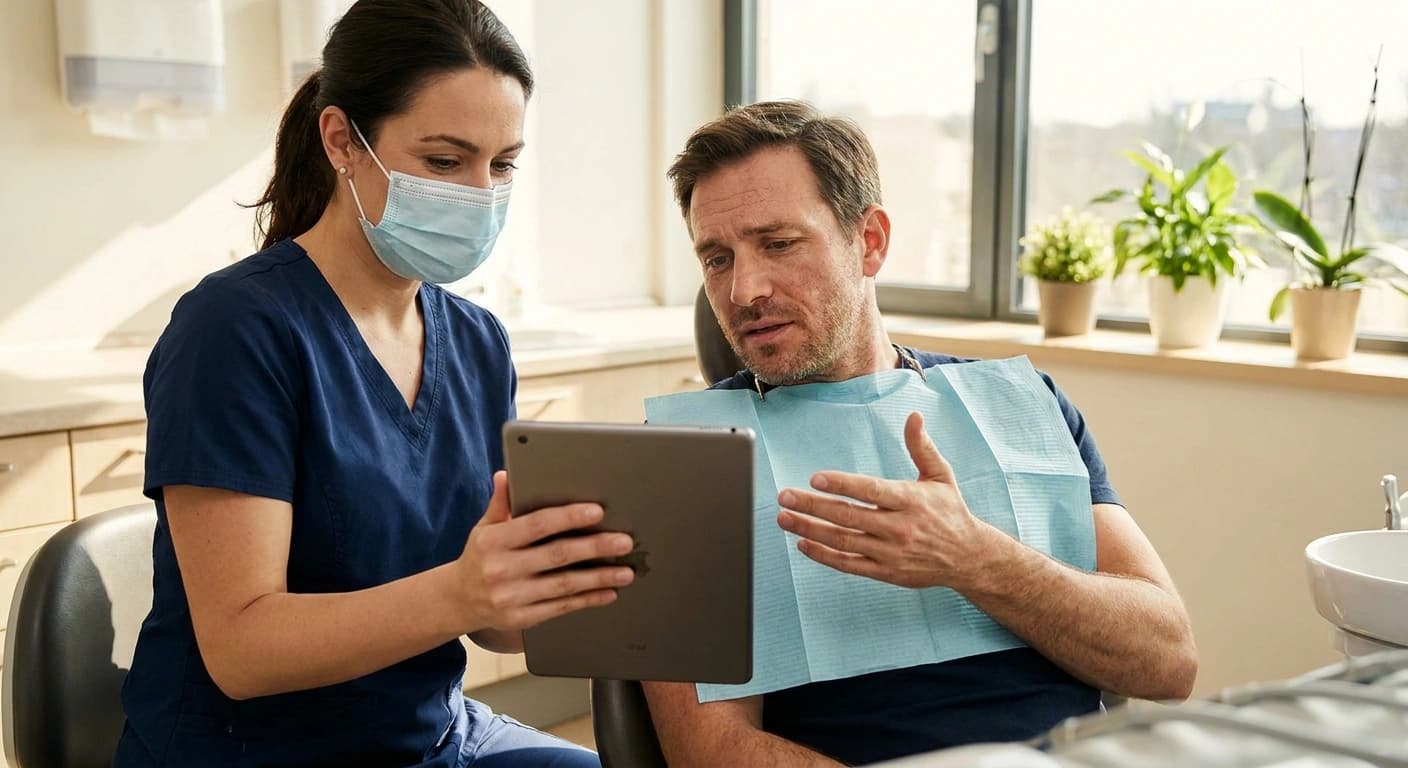
A dental simulation service is an outsourced team that turns a patient photo and your treatment notes into a designed smile preview, then sends it back to you, typically within an hour to two days. Chairside software like Smile PreVue produces an AI preview in about 20 to 30 seconds while the patient is still in the visit. The right choice depends on one question: do you need the preview before the patient leaves the chair?
Both options are real, and both can help a patient picture a cosmetic result. They answer different problems. This guide walks through how each one works, where each one fits, and why the timing of the preview matters more to case acceptance than most buyers expect.
What is a dental simulation service?
A dental simulation service is a design team you send cases to. You upload a photo of the patient's smile, describe the treatment you have in mind, and a person on the service's side builds the preview by hand. When it is finished, it lands in your account and you present it to the patient.
SmileSIM is a well-known example, and it ranks on the first page for this exact search. Its homepage (smilesimdmd.com, fetched October 7, 2026) describes the model plainly:
- "Each simulation is hand-crafted by a first-class team of digital artists."
- "Nothing to install or learn." You upload a quality photo and describe the treatment or choose a preset.
- New accounts can "Get Your First Simulation Free! ($89 value)."
That is a fair offer for a practice that wants a human designer's hand on every case and does not want to learn new software. The service model has real strengths, and we will come back to them.
How fast does a simulation service turn around a case?
Speed is where the two models split. Here is how SmileSIM states its own turnaround on its homepage, fetched October 7, 2026:
- With a premium membership, a simulation requested during office hours of 9AM to 4PM CST is uploaded within 60 minutes, or the service refunds your credits.
- Without a premium membership, the standard turnaround is 24 to 48 hours.
Those figures belong to SmileSIM. Other services set their own times, so ask each vendor directly rather than assuming the same numbers.
For a lot of practices, an hour is fast. But think about where that hour falls. A cosmetic consult rarely runs long enough to request a preview, wait 60 minutes, and still present it in the same appointment. If the request goes in after the afternoon cutoff, or the practice has no premium membership, the preview arrives the next day or the day after.
So in practice, the preview usually reaches the patient after they have gone home. It travels by email or text. It competes with work, kids, bills, and every other message on their phone. And it arrives without the dentist or treatment coordinator sitting next to them to answer the first question.
Why does timing matter for case acceptance?
A cosmetic decision is warmest in the chair. The patient came in motivated. They have just talked through what bothers them about their smile. The dentist is in the room, and so is the person who can answer cost questions. That is the moment when "I want to see it" can turn into "let's do it."
When the preview arrives two days later, the conversation has to start over. The patient now looks at it alone. Questions they would have asked out loud become reasons to wait. A preview that was meant to close the case becomes a follow-up task for your front desk.
SmileSIM's own homepage makes a version of this point: "Present your case while still on your patient's mind." We agree. The difference is how close to the decision each model can get. An hour after the request is close. During the conversation is closer.
There is a second timing effect worth naming. When the patient sees the preview in the chair, the dentist can adjust it on the spot. Lighter shade? Slightly different shape? With a service, a change usually means a new request. SmileSIM's FAQ says changes to the original prescription require a redraw with associated charges. That is a reasonable policy for hand-built work. It also means every revision adds another wait.
When is an outsourced service the better fit?
Chairside software is not the right answer for every case or every practice. An outsourced simulation service can be the better choice when:
- The case is large and planned. A full-arch or complex smile makeover is often presented at a second appointment anyway. If the patient is already coming back, a preview built in the gap can be ready for that visit.
- You want a designer's hand. Some dentists prefer a trained digital artist to interpret their prescription case by case. That is exactly what a service sells.
- Your volume is low. If you present a few cosmetic cases a month, paying per simulation can be simpler than adding a subscription.
- You do not want any new workflow in the operatory. A service keeps the chairside routine unchanged. You take the photo, and the work happens elsewhere.
If those describe your practice, a service is a sensible buy. The question to ask is honest: how many of your cosmetic consults end with "I need to think about it"? If that number is high, the timing of the preview is probably part of the reason.
What does chairside AI software change?
Chairside software moves the preview into the visit. With Smile PreVue, the dentist or team member takes a photo, and a photorealistic veneer or whitening preview comes back in about 20 to 30 seconds, with 20+ VITA shades to choose from. It runs on the iPad the practice already owns, or in a desktop browser. There is no scanner and no special hardware.
Because the preview shows up while everyone is still in the room, the rest of the decision can happen in the same visit:
- Share it the same day. The practice can send the simulation to the patient by email, or by text with the patient's double opt-in, and create a branded PDF report the patient can keep.
- Talk about cost right away. Smile PreVue includes patient payments: the patient can pay in full by card, Apple Pay, Google Pay, or Cash App, or apply to pay over time through Affirm, Klarna, or Sunbit, subject to the provider's approval. Which lenders appear can depend on the case total. Smile PreVue is not the lender.
- Keep the preview honest. Every simulation is checked by a second AI model against the patient's own photo and the requested treatment, and the result is shown to the clinical team only. It is a quality check on the image, not a clinical prediction. You can read more about how accurate AI smile simulations are.
- Stay compliant. Patient photos are processed under the Google Cloud BAA on Vertex AI, and the platform is HIPAA-compliant.
If you have been weighing design methods rather than services, our comparison of virtual smile design versus AI smile simulation covers that question. And if hardware is the worry, see smile simulation on an iPad with no scanner.
How do the cost models compare?
The two models are priced differently, and that shapes how often a practice uses them.
A service like SmileSIM sells simulations on credits, with a premium membership for its fastest turnaround, according to its homepage. Its listed welcome offer is a first simulation free, valued at $89.
Smile PreVue is one plan with no per-simulation charge: $149.00 per provider per month on the web, or $149.99 per month through the App Store. The quality check and AI Clinical Notes are included in the subscription, and patient payments carry a published per-transaction processing rate. Full details are on Smile PreVue pricing.
The practical effect: when a preview carries no per-case charge, there is no reason to save it for the patients who already seem sure. The patient who only asked about whitening can see their smile too.
Side by side
| Outsourced simulation service (SmileSIM, per its homepage, fetched Oct 7, 2026) | Chairside software (Smile PreVue) | |
|---|---|---|
| Who builds the preview | A team of digital artists | AI, run by your team |
| Turnaround | Within 60 minutes with premium membership during 9AM to 4PM CST, otherwise 24 to 48 hours | About 20 to 30 seconds |
| What you install | Nothing; you upload a photo | An iPad app or a desktop browser, no scanner |
| Changes to the prescription | A redraw with associated charges | Adjust and run it again in the visit |
| When the patient usually sees it | After the visit, by email or at a later appointment | During the consult |
FAQ
How long does a dental simulation service take? It depends on the service. SmileSIM's homepage (fetched October 7, 2026) says within 60 minutes with a premium membership during its 9AM to 4PM CST office hours, and 24 to 48 hours otherwise. Ask any other service for its own stated times.
Do I need a scanner for smile simulation? Not for Smile PreVue. It works from a photo on an iPad or in a desktop browser.
Can I use a service and chairside software together? Yes. Some practices use chairside previews for most cosmetic consults and keep an outsourced designer for large, planned cases presented at a second visit.
Can I try chairside software before I buy? Yes. Smile PreVue has a 3-day free trial on the web with no credit card, with up to 3 simulations a day.
Is Smile PreVue related to PreVu Dental? No. Smile PreVue is not affiliated with PreVu Dental.
Pick by the moment you need the yes
A simulation service and chairside software both put a smile in front of the patient. The real buying question is when. If your cosmetic cases are planned over two visits, a hand-built preview delivered in between can work well. If your consults end with patients who want to think about it, the preview probably needs to be in the room when they decide.
To see a preview in your own next consult, start the 3-day free trial on the web with no card, or download Smile PreVue from the App Store.
More from the Blog
Why Patients Say Yes When They Can See Their Smile
Patients decline cosmetic dentistry because they can't picture the result. Smile simulation changes that. Learn how visual previews boost case acceptance rates.
Smile SimulationWhy AI Smile Previews Look Fake, and How to Catch It
Why AI smile previews look fake: the image changes more than the teeth. See what goes wrong and how Smile PreVue checks every preview before the close.
ProductSmile Simulation on an iPad: Do You Need a Scanner?
Smile simulation on an iPad needs no scanner and no lab wax-up. What a photo-based preview does chairside, how it compares to DSD and TRIOS, and why it matters.