Chairside Smile Simulation: How to Close Cosmetic Cases in the Same Visit
Chairside smile simulation shows patients their new smile during the consult. Here is how it works, what to look for, and why it closes more cosmetic cases.
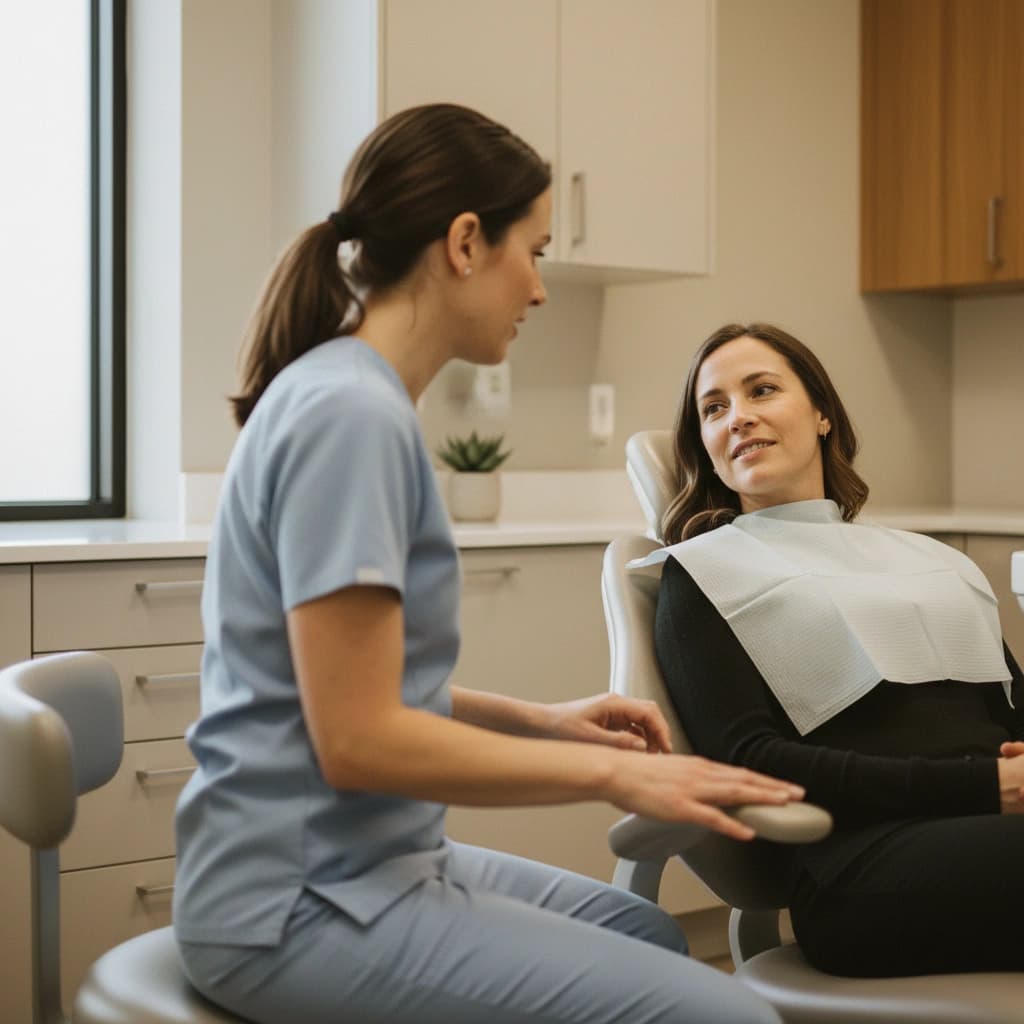
A patient walks into your operatory for a cosmetic consult. You explain veneers. You describe shade options. You show before and after photos of someone else. They nod. They thank you. They say they want to think about it.
That moment is where most cosmetic cases stall. The patient is not skeptical of your skill. They are skeptical of the outcome on their own face. Chairside smile simulation closes that gap by showing the result before they ever leave the chair.
This is a guide to what chairside smile simulation actually is, why timing changes acceptance more than features do, and how a practice should evaluate any tool that claims to do it.
What chairside smile simulation means
Chairside smile simulation is a workflow where you generate a preview of a patient's future smile during the consultation itself, on a device in the operatory. The image is built from a single photo of the patient, processed in minutes, and shown back to them on an iPad or laptop within the same visit.
That contrasts with lab-based mockups, where a model is sent to a lab and the result comes back days or weeks later. It also contrasts with desktop-only design tools, where the workflow lives on a workstation in the office and adds either a wait or a separate visit.
The defining feature of chairside is timing. The patient sees themselves while the conversation is still warm.
Why timing changes acceptance more than features
Cosmetic decisions are emotional. The patient is buying a new version of their own face. When the gap between question and answer is hours or days, the emotion fades. They go home, talk to a partner who has not been part of the conversation, and the urgency dies.
When the gap is ten minutes, three things happen in the room:
- The patient feels seen. You took their question seriously enough to answer it visually.
- The patient becomes the decision maker. They are looking at themselves, not a stranger from a brochure.
- Momentum carries them to scheduling. Treatment coordinators report that case acceptance climbs significantly when the patient leaves with a clear visual in hand.
Practices that move from off-site to chairside often see double digit lifts in cosmetic case acceptance. The technology itself is rarely the variable. The compressed timeline is.
This is also why legacy tools like Digital Smile Design (DSD), which require photographs sent to a designer, struggle to drive same-visit acceptance even when the final design quality is excellent. The design is good. The window is closed by the time it lands.
What to look for in chairside software
Not every tool that calls itself smile simulation is built for chairside use. A few features matter more than others when the patient is sitting two feet from you.
Speed. The simulation should generate in under ten minutes from photo to result. Anything longer and the conversation cools, the hygienist moves on, and the patient picks up their phone.
No special hardware. Tools that require a 3D scanner, a specific DSLR, or a high spec desktop force you into a fixed workflow at one operatory. Look for tools that work from a standard iPhone or iPad photo so any team member can run a consult from any chair.
Photorealism without an uncanny look. A simulation that looks too smooth, too white, or too symmetric triggers skepticism. The best tools match natural shade ranges (Smile PreVue covers 20 plus VITA shades) and preserve the patient's lip line, gum exposure, and facial proportions instead of flattening them into a generic smile template.
HIPAA-aware data handling. Patient photos are protected health information. Confirm where the photo is stored, how long it is retained, and whether the vendor will sign a Business Associate Agreement if your practice requires one.
iPad-friendly interface. Patients respond more openly to a tablet than to a desktop monitor. The screen sits between you and them, not across the room. Adoption inside the team is also dramatically better when the tool lives on the device they already pick up between patients.
A typical chairside workflow
The mechanics are simpler than the category name suggests:
- Take a single front-facing photo of the patient's natural smile.
- Upload to the simulation app on the iPad.
- Pick shade, shape, and treatment type (veneers, whitening, alignment).
- Generate the preview while you continue the consultation.
- Show side by side of current and proposed smile. Let the patient hold the iPad.
That last step is the moment that closes cases. Hand over the device. Watch their face when they see themselves.
Many practices script the next sentence: "If we can get you to that, do you want to talk about scheduling today or next week?" The visual does the convincing. The scheduling question just gives the patient a way to say yes.
Where chairside fits next to legacy options
Smile design has a long history of high-end tools. DSD pioneered the lab quality workflow that many cosmetic-focused practices still use. SmileCloud and SmileFy moved similar workflows into the cloud. Each has a place, particularly for full-arch or implant driven cases where a wax up and try in are required.
The trade off is time. Lab-based and cloud-based workflows often pull the patient through multiple visits before they ever see a preview. For routine veneers, whitening, and bonding cases, that latency loses the close.
Here is how the categories compare on a typical cosmetic consultation:
| Workflow | Time to first preview | Hardware required | Visits before yes/no |
|---|---|---|---|
| Lab-based wax up | 1 to 3 weeks | Impressions or scanner | 2 to 3 |
| Cloud-based design | 1 to 5 days | Photos or scanner | 2 |
| Chairside simulation | Under 10 minutes | Phone or iPad photo | 1 |
For a practice where high volume cosmetic consults need to close in the room, chairside is the better fit. For complex prosthodontic cases, the lab workflow still has a role. The two are complementary, not exclusive.
Common objections from dentists
"I am worried about over-promising." Set expectations during the simulation itself. Tell the patient the preview shows what is achievable in this style, not a guarantee of an exact result. Save a copy of the preview to the chart. Practices that frame this clearly almost never see disputes.
"It will eat into my chair time." A well-designed tool runs the simulation in the background while you talk. The hygienist or assistant can drive the iPad. Net chair time often goes down because consults end in scheduling instead of "I will call you back next week."
"My team will not adopt it." Adoption hinges on simplicity. Tools that need an hour of training or a separate desktop workflow rarely stick. Look for software that the front desk can use without a manual, with a flow that mirrors how the team already takes intake photos.
"It is one more subscription." True, and worth a real ROI check. The math below is the easiest place to start.
The case acceptance math
Run the numbers for your own practice. The math tends to surprise people.
Take a practice doing four cosmetic consults a day at 35 percent acceptance and an average case value of 5,000 dollars. That is 7,000 dollars in accepted treatment per day.
Move acceptance to 50 percent. That is 10,000 dollars per day. Across 22 working days a month, the difference is roughly 66,000 dollars in new accepted revenue. The cost of chairside simulation software is rarely more than a few hundred dollars a month.
Even if the lift is only 5 points instead of 15, the math still favors the tool by a wide margin. A small win on case acceptance is a very large win on annualized revenue.
How to test it on real patients this week
The fastest way to evaluate chairside smile simulation is to run a handful of live consults with it before committing.
- Pick three patients on the schedule this week who are sitting on a quote.
- Run the simulation during the consult.
- Hand them the iPad and stop talking.
- Track whether they schedule before they leave.
Three consults is enough to tell you whether the tool changes the room. If even one of the three says yes who would have walked, the math has already paid for the first year.
Getting started
Smile PreVue is built for exactly this workflow. Setup runs about ten minutes on an iPad or iPhone, no scanner required, with a 3-day free trial so the team can use it on live consults before deciding.
Start your free trial and run your first chairside simulation on a real patient this week.
More from the Blog
How to Show a Patient What Veneers Will Look Like Before You Prep a Tooth
How to show a patient what veneers will look like during the consult, and why letting them see their own result first turns a maybe into a same-visit yes.
Case AcceptanceHow to Offer Patient Financing in a Dental Practice (Without Becoming a Bank)
How to offer patient financing in a dental practice in 2026: the provider landscape, where financing fits the consult, and how it turns a price objection into a same-visit yes.
Patient PsychologyWhy Patients Hesitate on Expensive Dental Treatment: The Psychology of a $10,000 Decision
Why patients hesitate on expensive dental treatment: the psychology of a $10,000 cosmetic decision, the biases behind the stall, and what moves a yes.